
Too big to upload
Exam portals, visa and job forms cap photos at a few hundred KB, while a phone photo is several MB. Shrink brings it under the limit in one go, so the form takes it the first time.

Set it, see it
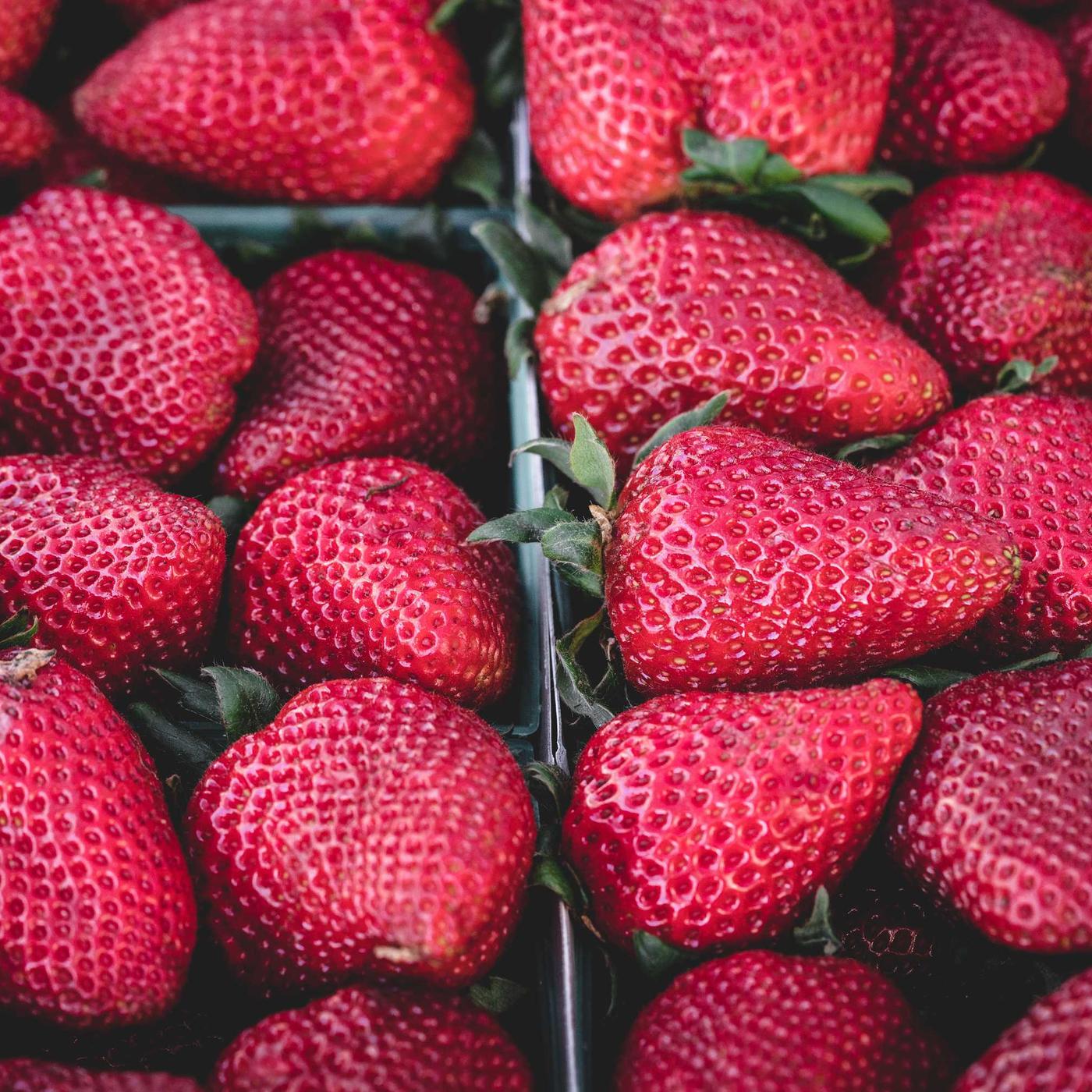
The photo on the left is compressed in your browser each time you change a setting. Shrink does the same on your phone, offline.
Pick the exact size.
Type the KB the form allows. Shrink finds the best quality that still fits under it.
Choose the format.
JPG opens everywhere and suits forms. WEBP is smaller still. HEIC photos from an iPhone come out as files anyone can open.
Crop to the shape.
Square for a profile photo, 4:5 for a post, or keep it as it is. You can move the crop on every photo.
Set the pixels.
Fewer pixels leave more of the KB for quality. Sizes in pixels, cm or inches at 300 DPI.
Nothing leaves your phone.
Every photo is processed on the device. No upload, no account, no sign in. Your originals stay as they are; Shrink saves new copies.
First, pick up to ten photos.
From your gallery, from Files, or with the share button in any app.
1 2
2
 3
3What it costs
Prices in US dollars. The App Store and Google Play show yours in your own currency.
Free
Compress, resize, crop, convert HEIC and PNG to JPG, make a PDF. Full quality, no watermark.
Watch one short video and the whole batch runs.
Shrink Pro
No ads, no banners, batches of any size, your own presets. About $1.25 a month.
Everything in yearly, billed each month. Cancel any time in your store settings.
There is no trial to cancel: the free version is the trial.
Questions
Are my photos uploaded? No. Shrink compresses on your phone. There is no Shrink server, no account and nothing to sign in to. Compressing works offline; the free version needs a connection only to play the ad.
Will it really reach my KB number? It looks for the highest quality whose file is at or under your target. If a photo cannot get that small at its size, Shrink says so and gives you the smallest it can; lowering the pixels gets it there.
Does it work with iPhone HEIC photos? Yes. HEIC converts to JPG, PNG or WEBP. On Android, opening HEIC needs Android 9 or later.
Which formats can I save? JPG, PNG (keeps transparency), WEBP, and PDF, which puts all the photos in one document on A4 or Letter pages.
Are there presets? Passport and ID, exam and job forms, WhatsApp and chat, and email attachments. Pro lets you save your own.
What happens to my originals? Nothing. Shrink saves new copies and leaves the originals in your gallery as they were.
How many photos at once? Up to ten per batch for free, after one ad. Pro runs any number with no ads.
How do I cancel Pro? In your App Store or Google Play subscriptions. It stays on until the end of the period you paid for.
I have Pro on another phone. Open Settings in Shrink and tap Restore, signed in to the same store account.
Which languages? English, Arabic, Spanish, Portuguese, French, German, Indonesian, Turkish and Hindi.
How do I reach you? Write to [email protected]. A person reads every message.